Summary
A virtual snow day is a modern alternative to the traditional school snow day, where students continue learning from home instead of missing a full day of instruction because of winter weather. In simple terms, Virtual Snow Day How It Work refers to the process of shifting a regular in-person school day into an online or remote learning day when snow, ice, freezing rain, unsafe roads, or severe winter conditions make travel difficult. Instead of closing school completely, districts use learning platforms, video calls, digital assignments, teacher communication, and attendance tracking to keep students engaged. This approach helps schools reduce lost instructional time, avoid calendar make-up days, and give families more structure during weather-related disruptions.
Table of Content
- What Is a Virtual Snow Day?
- Why Schools Are Replacing Traditional Snow Days
- Virtual Snow Day How It Work: Step-by-Step Process
- Virtual Snow Day How It Work for Students, Parents, and Teachers
- Common Tools Used During a Virtual Snow Day
- Benefits of Virtual Snow Days
- Challenges of Virtual Snow Days
- How Parents Can Prepare for a Virtual Snow Day
- Are Virtual Snow Days Better Than Traditional Snow Days?
- Conclusion
- FAQs
What Is a Virtual Snow Day?
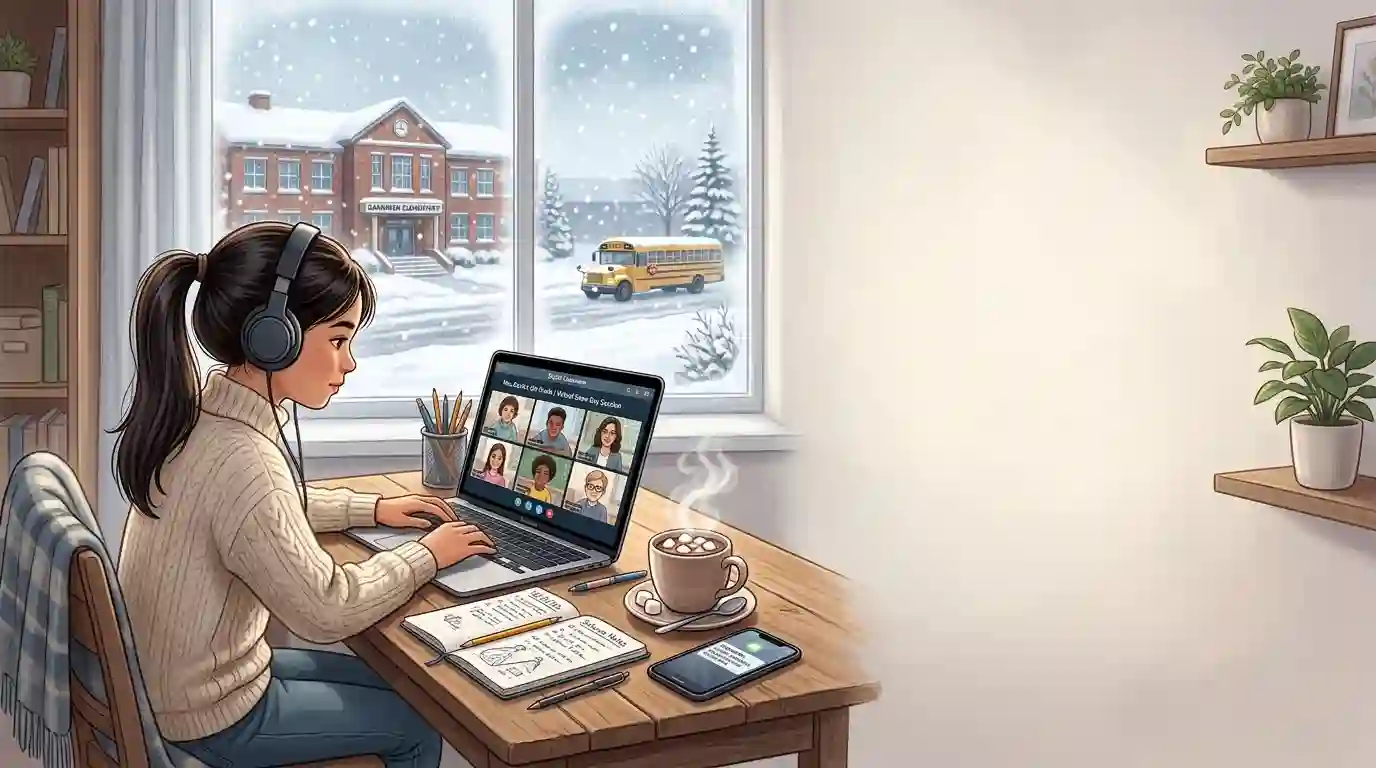
A virtual snow day is a remote learning day used when winter weather prevents students and staff from safely traveling to school. Instead of canceling classes entirely, the school district moves instruction online. Students may attend live video lessons, complete assignments in a learning management system, watch recorded lessons, join discussion boards, or submit work by a deadline.
Traditionally, a snow day meant no school at all. Students stayed home, played outside, slept in, watched movies, or spent the day with family while schools later adjusted the academic calendar. In many districts, too many closures could lead to added make-up days at the end of the school year or during scheduled breaks.
A virtual snow day changes that model. It allows learning to continue even when school buildings are closed. This does not mean every student spends the entire day on a screen. Many schools use a mix of live learning, independent assignments, reading tasks, offline worksheets, recorded lessons, and teacher check-ins.
Virtual snow days became more common after schools gained experience with remote learning, online classrooms, and digital instruction. The National Forum on Education Statistics notes that weather-related closures, including snow days, can now be replaced with virtual learning days in some districts, depending on local policy and access to technology. For additional education guidance, see this authoritative resource from the National Forum on Education Statistics on virtual and hybrid learning models.
Why Schools Are Replacing Traditional Snow Days
School districts are adopting virtual snow days for several practical reasons. The biggest reason is instructional continuity. When a snowstorm cancels school, teachers lose valuable classroom time. A single snow day may not seem like much, but multiple snow days in one season can interrupt lesson pacing, delay tests, affect state exam preparation, and create scheduling problems.
Another reason is calendar flexibility. Many schools are required to complete a specific number of instructional days or hours each year. When weather closures pile up, districts may need to extend the school year or remove vacation days. Virtual snow days can help reduce the need for these make-up days.
Safety is another major factor. A virtual snow day allows school buildings to remain closed when roads are icy, buses cannot run safely, sidewalks are dangerous, or temperatures are extreme. Students and staff can stay home while still participating in learning.
Parents also benefit from having a predictable structure. A traditional snow day can create sudden childcare problems, especially for working parents. A virtual snow day does not solve every childcare issue, but it can provide a clearer schedule for students and families.
Schools also use virtual snow days because digital learning tools are now more widely available. Many districts already use platforms like Google Classroom, Canvas, Schoology, Microsoft Teams, Zoom, Clever, Seesaw, or district portals. When these systems are already part of daily learning, switching to a remote snow day becomes easier.
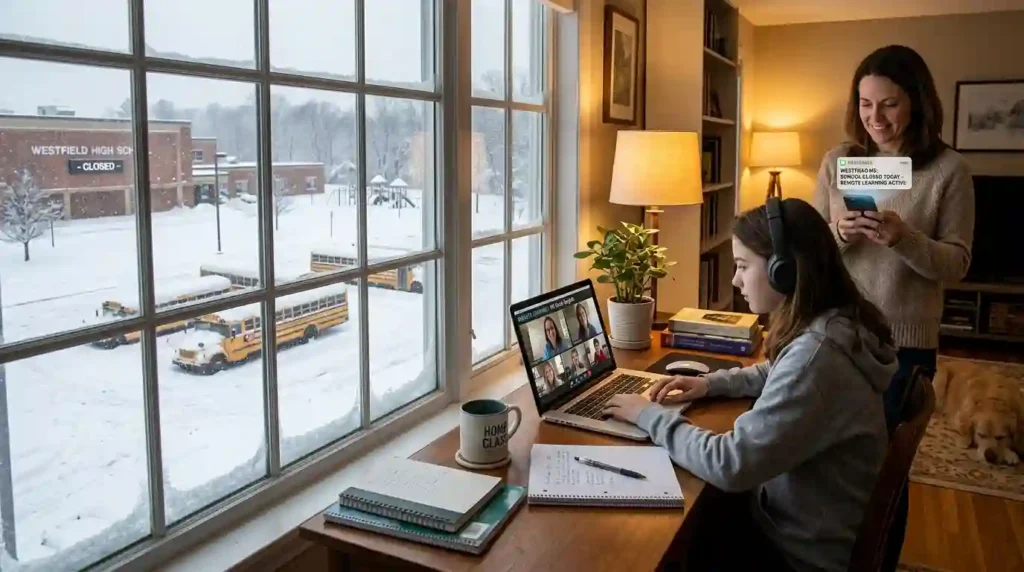
Virtual Snow Day How It Work: Step-by-Step Process
A virtual snow day may look simple from the outside, but schools usually follow a detailed process before declaring one. The goal is to protect safety while keeping learning organized.
1. Weather Monitoring Begins Early
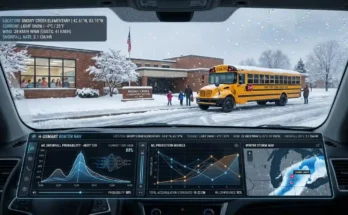
School leaders usually begin watching the forecast before a storm arrives. They track snow accumulation, ice warnings, wind chill, road conditions, transportation risks, and local emergency guidance. District officials may communicate with transportation departments, road crews, neighboring districts, and weather services.
Parents can also use a snow day predictor tool to estimate the chances of school closures based on weather conditions and other local factors. While a predictor tool does not replace official district announcements, it can help families prepare earlier.
2. The District Decides Whether Buildings Should Close
Once weather conditions appear unsafe, district leaders decide whether schools should open, delay, close traditionally, or move to virtual learning. The choice depends on district policy, state rules, internet access, teacher readiness, student device availability, and the severity of the storm.
Some districts use virtual snow days only after a certain number of traditional snow days. Others may use them immediately. Some schools avoid virtual snow days for younger grades or for areas where internet access is unreliable.
3. Families Receive an Official Announcement
The district then sends an announcement through multiple channels. This may include text alerts, phone calls, email, the school website, social media, parent portals, and local news stations.
A good announcement usually explains whether the day is fully remote, delayed, asynchronous, synchronous, or a mix of both. It may also include login instructions, attendance expectations, assignment deadlines, teacher office hours, and technical support contacts.
Families who want to prepare better for school closure updates can read How Parents Can Stay Ahead of Snow Day Announcements for helpful planning tips.
4. Teachers Post Assignments and Class Instructions
Teachers prepare digital lessons or post snow day assignments. These may include reading passages, math practice, science videos, writing prompts, discussion questions, project work, quizzes, or review activities.
In elementary grades, teachers may post shorter activities with flexible deadlines. In middle and high school, students may follow a more structured schedule. Some teachers host live video classes, while others provide recorded lessons or independent work.
5. Students Log In and Begin Learning
Students access the school’s digital learning platform from home. Depending on grade level and school policy, they may need to check in for attendance, attend live sessions, complete assignments, submit work, or communicate with teachers.
A virtual snow day may be synchronous, asynchronous, or blended. A synchronous day means students attend live online classes at scheduled times. An asynchronous day means students complete assignments independently before a deadline. A blended model uses both.
6. Attendance Is Recorded
Attendance rules vary by district. Some schools count students present if they log in, attend a live session, submit an assignment, complete a form, or communicate with a teacher. The National Forum on Education Statistics notes that attendance is still required in many virtual and hybrid learning models, though the method of tracking can vary by location.
7. Teachers Provide Support
Teachers may hold office hours, answer emails, respond through classroom platforms, host small-group video calls, or provide feedback on assignments. Support staff, counselors, special education teachers, and English language support teams may also check in with students.
8. Work Is Submitted and Reviewed
Students submit assignments online or complete offline work that can be turned in later. Teachers review the work, record completion, provide grades if required, and adjust future lessons based on student performance.
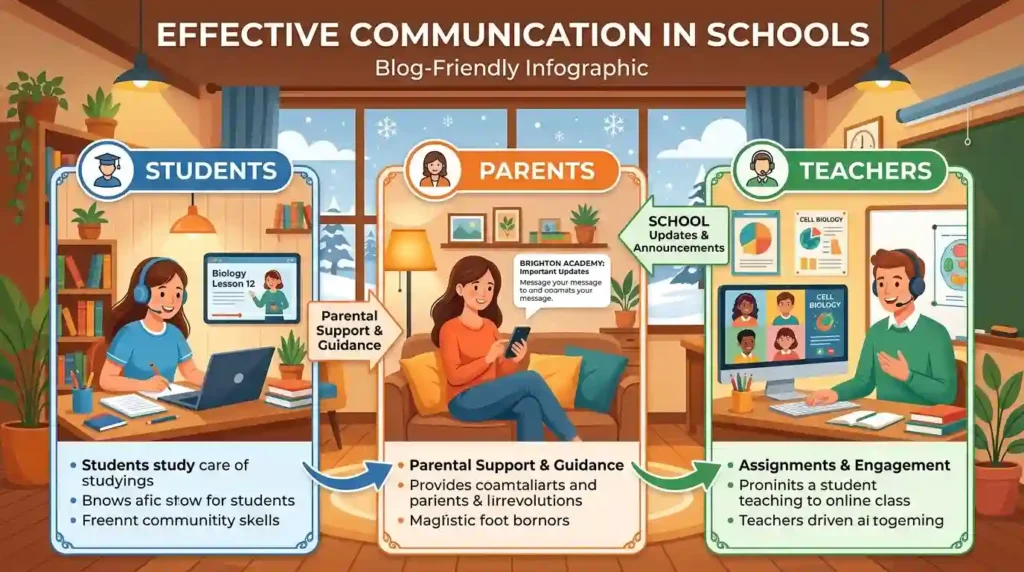
Virtual Snow Day How It Work for Students, Parents, and Teachers
A successful virtual snow day depends on clear roles. Students, parents, and teachers all have different responsibilities.
For Students
Students are expected to treat the day as a real school day, even though they are learning from home. They should check announcements, charge devices, log in on time, complete assignments, ask questions, and submit work before deadlines.
Older students may be responsible for managing their own schedule. Younger students often need help from parents or caregivers to log in, open assignments, use apps, or stay focused.
Students should also understand digital classroom behavior. This includes using respectful language, keeping cameras or microphones on only when required, avoiding distractions, and following school technology rules.
For Parents
Parents play a major role in making virtual snow days successful. They do not need to become full-time teachers, but they often help create structure. This may include setting up a quiet workspace, checking the school schedule, helping younger children access devices, preparing snacks, and encouraging breaks.
Parents should also monitor official school communication. Snow day plans can change quickly depending on weather conditions, power outages, internet problems, or district decisions.
For Teachers
Teachers design lessons that can work outside the classroom. This requires flexibility. A good virtual snow day lesson should be clear, accessible, realistic, and easy to complete from home.
Teachers also need to consider students who may have limited internet, shared devices, power outages, disabilities, language barriers, or family responsibilities. Many teachers create backup options, printable work, extended deadlines, or offline activities.
Common Tools Used During a Virtual Snow Day
Virtual snow days rely on digital tools that connect students, teachers, and families.
Learning Management Systems
Platforms like Google Classroom, Canvas, Schoology, Moodle, Blackboard, and Seesaw help teachers post assignments, share materials, collect work, and communicate with students.
Video Conferencing Tools
Zoom, Google Meet, and Microsoft Teams allow live lessons, class meetings, teacher office hours, and small-group support.
School Notification Systems
Districts use phone calls, text alerts, email, apps, websites, and social media to announce virtual snow days. Fast communication is important because families need time to adjust.
Digital Assignments and Assessments
Teachers may use online quizzes, forms, interactive worksheets, educational videos, reading platforms, math apps, and collaborative documents.
Devices and Internet Access
Students usually need a laptop, tablet, Chromebook, or desktop computer. Reliable internet is also important. However, schools must consider students who lack consistent access. Digital equity remains one of the biggest challenges of remote learning, especially during sudden weather-related closures.
Benefits of Virtual Snow Days
Virtual snow days offer several advantages for schools and families.
They Reduce Learning Loss
When school is canceled completely, instruction stops. A virtual snow day keeps students connected to lessons, assignments, and teachers. Even a lighter academic day can help maintain momentum.
They Help Schools Avoid Make-Up Days
Many families dislike added school days at the end of the year or during scheduled breaks. Virtual snow days can help schools meet instructional requirements without extending the calendar.
They Keep Students in a Routine
Routine matters for students. A sudden day off may be exciting, but repeated interruptions can affect focus and learning habits. Virtual snow days help students maintain a school-like rhythm.
They Improve Emergency Preparedness
Virtual snow days also prepare schools for other disruptions, such as hurricanes, extreme cold, flooding, power issues, public health closures, or building emergencies. When schools practice remote learning systems during snow days, they become better prepared for future disruptions.
They Support Teacher Planning
Teachers can continue pacing guides, review material, prepare students for assessments, and avoid falling behind. This is especially helpful in advanced courses, semester-based classes, and exam-heavy subjects.
Challenges of Virtual Snow Days
Despite the benefits, virtual snow days are not perfect.
Internet and Device Access
Not every student has reliable internet, a personal device, or a quiet place to work. Some families share one device among multiple children. Others may live in areas with weak connectivity or experience power outages during storms.
Younger Students Need More Help
Elementary students often need adult support to log in, read instructions, stay focused, and complete assignments. This can be difficult for parents who work from home or outside the home.
Screen Fatigue
Long online sessions can be tiring. Students may struggle with attention, headaches, restlessness, or motivation. That is why many schools use shorter lessons, flexible work periods, and offline activities.
Teacher Workload
Preparing digital lessons on short notice can be challenging. Teachers may need to adapt classroom activities quickly, troubleshoot technology, answer family questions, and support students with different needs.
Loss of the Traditional Snow Day Experience
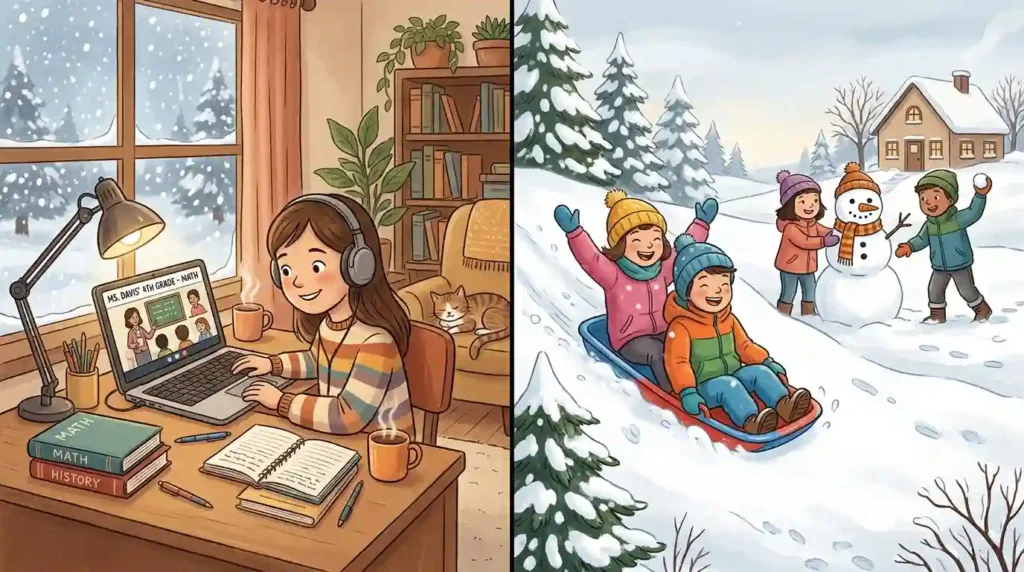
Many students and parents feel that snow days are a special part of childhood. Playing outside, building snowmen, drinking hot chocolate, and enjoying an unexpected break can be memorable. Virtual snow days reduce or remove that experience.
How Parents Can Prepare for a Virtual Snow Day
Parents can make virtual snow days easier by preparing before winter weather arrives.
Create a Snow Day Learning Station
Choose a place where your child can work comfortably. It does not need to be perfect. A kitchen table, bedroom desk, or quiet corner can work. Keep pencils, paper, chargers, headphones, and login information nearby.
Save Important School Links
Parents should bookmark the school website, learning platform, parent portal, teacher pages, district calendar, and emergency announcement page. This saves time when a closure is announced early in the morning.
Check Devices Before a Storm
Make sure school devices are charged and working. If the district sends devices home before storms, check that your child knows how to log in. Keep chargers in an easy-to-find location.
Review the Schedule With Your Child
Once the school announces a virtual snow day, review the schedule together. Identify live class times, assignment deadlines, breaks, lunch, and teacher office hours.
Plan Breaks
Children need movement. Encourage short breaks between tasks. They can stretch, have a snack, play in the snow for a few minutes, or rest their eyes away from the screen.
Communicate With Teachers
If your family loses power, has internet trouble, lacks a device, or cannot complete assignments on time, contact the teacher or school as soon as possible. Most schools understand that winter weather can create real challenges.
Are Virtual Snow Days Better Than Traditional Snow Days?
The answer depends on the situation. Virtual snow days are useful when schools want to preserve instructional time, avoid make-up days, and keep students connected. They work best when students have devices, internet access, clear instructions, and manageable assignments.
However, traditional snow days still have value. Severe storms may cause power outages, unsafe home conditions, internet disruptions, or family emergencies. In those cases, expecting students to complete online work may be unrealistic.
A balanced approach may be best. Some districts keep a few traditional snow days in the calendar and use virtual snow days only after those are used. Others decide case by case. For example, a mild snowstorm may become a virtual learning day, while a major blizzard with power outages may become a full closure.
The most effective policy is one that considers safety, learning, equity, family needs, and student well-being.
Conclusion
A virtual snow day is a practical way for schools to continue learning when winter weather makes in-person attendance unsafe. Instead of losing a full day of instruction, students learn from home through online platforms, teacher assignments, video lessons, and digital communication.
Understanding Virtual Snow Day How It Work helps parents, students, and teachers prepare for weather-related school changes. The process usually begins with weather monitoring, followed by a district decision, official announcements, online assignments, attendance tracking, teacher support, and student work submission.
Virtual snow days are not perfect. They can create challenges around internet access, screen time, childcare, student motivation, and the loss of traditional snow day fun. Still, when planned carefully, they can protect safety while keeping education on track.
For families, preparation is the key. Keep devices charged, monitor school updates, save important links, create a simple learning space, and stay flexible. Whether your school uses traditional snow days, virtual snow days, or a mix of both, being ready helps everyone handle winter weather with less stress.
FAQs
1. What is a virtual snow day?
A virtual snow day is a remote learning day used when snow, ice, or severe winter weather prevents students from attending school in person. Instead of canceling classes completely, schools provide online lessons, assignments, or teacher check-ins.
2. How does a virtual snow day work?
A virtual snow day works by moving instruction from the school building to the home. Students log in to a learning platform, complete assignments, attend live or recorded lessons, communicate with teachers, and submit work online or later when required.
3. Do students have to attend online classes on a virtual snow day?
In many districts, yes. Some schools require live attendance, while others only require students to submit assignments or check in online. Attendance rules depend on district policy.
4. Are virtual snow days counted as real school days?
Usually, yes. If the district follows state or local requirements for instructional time, attendance, and student work, a virtual snow day may count as an official school day.
5. What happens if a student loses internet during a virtual snow day?
Parents should contact the teacher or school as soon as possible. Many schools offer flexibility, extended deadlines, offline assignments, or alternate ways to complete the work.
6. Are virtual snow days good for elementary students?
They can be helpful, but younger students often need more support from parents or caregivers. The best virtual snow day plans for elementary students include short tasks, clear directions, breaks, and simple activities.
7. Why do some people dislike virtual snow days?
Some families dislike virtual snow days because they require screen time, adult supervision, internet access, and structure during a day that used to be a break. Others feel traditional snow days are an important childhood experience.
8. Can a school still have traditional snow days?
Yes. Many schools still use traditional snow days, especially during severe storms, power outages, or emergencies. Some districts use a hybrid policy that includes both traditional and virtual snow days.
9. What tools are needed for a virtual snow day?
Common tools include a laptop or tablet, internet connection, learning management system, video meeting app, school email, digital assignments, and teacher communication channels.
10. How can parents prepare for virtual snow days?
Parents can prepare by charging devices, saving school login details, checking district alerts, creating a learning space, planning breaks, and reviewing the day’s schedule with their child.